TLDR
- Free here means the first song, not unlimited songs. One music run is 20 credits. Signup grants 20 credits, so the first completed take is covered. Extra songs use a one-time pack.
- Listen before you type. Official MiniMax Music 3 records on the homepage sit around 2:47–2:52. Use that mix as the reference, then open the workspace.
- Three modes, one generator: prompt, lyrics, or instrumental. Put lyric section tags on their own lines:
[Verse],[Chorus],[Outro](model card; ComfyUI tutorial). - Local is a different job. ComfyUI 0.33.0+ has a native Text-to-Music template (ComfyUI blog). Skip the installer unless you actually want weights on your machine.
- Vendor duration ≠ this site’s run. MiniMax describes complete songs of up to five minutes (MiniMax blog). Homepage demos are about three minutes. Do not assume every browser take is a five-minute official render.
Key Takeaways
- Music 3 is built as a complete song, not a ten-second loop. Official materials describe intro, verse, chorus, bridge, and outro in one generation, with 32 kHz, 16-bit stereo WAV as the documented file (model card; ComfyUI blog).
- A short mood line is a start, not the native control language. MiniMax’s Structured Caption tracks genre, BPM, key, vocal color, and how instruments enter by section (MiniMax blog). Prompt A below is the minimum that still steers.
- Lyric tags are structure, not decoration.
[Intro],[Verse],[Pre-Chorus],[Chorus],[Post-Chorus],[Bridge],[Instrumental],[Solo], and[Outro]belong on their own lines (ComfyUI tutorial). - Signup is one covered run. 20 credits in, 20 credits per default music run, failed runs refund. The trial song is for personal evaluation; paid packs include commercial use under this site’s legal pages.
- Open weights are real, and they are not Apache 2.0. Weights ship under the MiniMax-Music3 Community License. Commercial UIs must display “MiniMax-Music3”; yearly revenue above USD 20 million needs written authorization (LICENSE).
- This page will not send you to another playground. Hear the official records here, then generate here.
Before you type anything: listen
Press play on the homepage. These are official public MiniMax Music 3 demos, not this site’s generated library:
| Demo | Style on this page | Length | What to steal | | --- | --- | --- | --- | | Feel Alive | R&B | 2:51 | Smoky lead vocal, slow heavy chorus | | In the Way | Pop | 2:50 | Chorus that comes back, stacked voices | | Smile | Rock | 2:52 | Band width without burying the singer | | The Real Man | Rock | 2:47 | Loud vocal in front, guitars wide |
Pick one record. Write down three facts only: who sings, how loud the chorus is, and one instrument you can name. That scrap of paper is your brief. The official demo desk is also on MiniMax’s public Music 3 demo page.
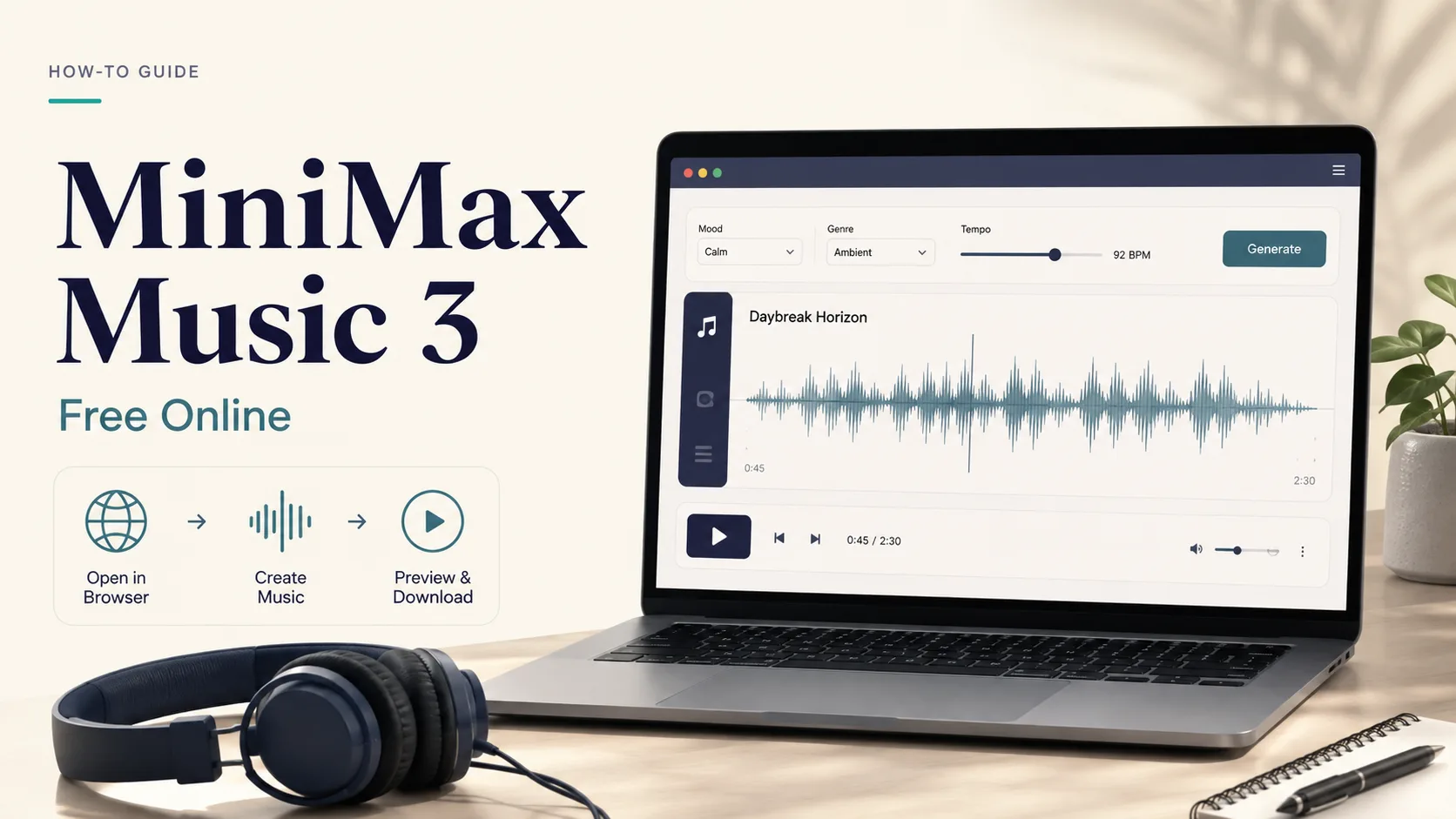
Listen first, then generate · generated for MiniMax Music 3 blog
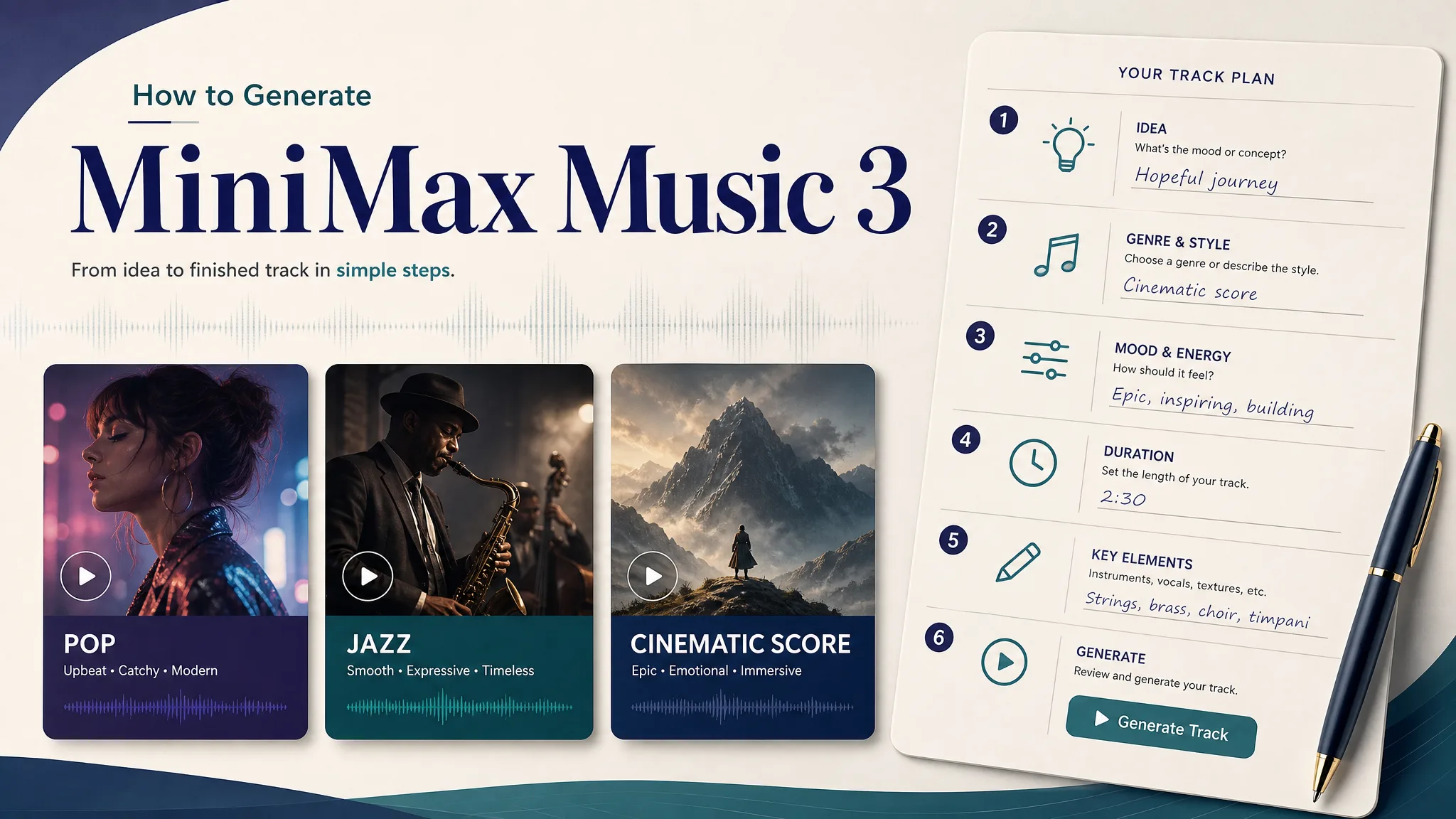
Six steps (browser, no GPU)
1. Hear one official demo
Stay on the homepage until the chorus hits twice or the track ends. If you bounce after ten seconds, you will type “make it epic” and waste the signup credits.
2. Create an account
Open the workspace and sign up. This product grants 20 credits on signup. One default MiniMax Music 3 run costs 20 credits. That is the “free online” path on this site: one covered song, not an unlimited allowance.
3. Choose a mode
The generator has three doors. Pick the one that matches what you already have:
| You have | Mode | What you paste | | --- | --- | --- | | A mood, a BPM, a singer | Prompt | Genre + tempo + who sings + two instruments | | Words you wrote | Lyrics | Section tags on their own lines, plus a short caption | | Speech, a trailer, or a product clip that cannot fight a singer | Instrumental | Groove, bass, and how quiet the drums should stay |
4. Paste a brief that can fail in only one place
Do not write a novel. Do not write “cinematic masterpiece.” Use Prompt A, B, or C below, or swap only the name and one instrument. MiniMax also published a caption-rewriter skill for people who want a full Structured Caption from a short line (MiniMax-Music3 on GitHub) — you do not need that skill to run the first song here.
5. Generate, then listen to the whole take
Stay until the ending. Score the take 0–2 on five axes: structure, lyric hold, vocal fit, arrangement clarity, usable ending. Keep anything that totals 7 or more. If it fails, rewrite one line — the chorus, the singer, or the drum level — and run again only if you have bought more credits.
6. Save and download the keeper
Finished songs land in your library. This workspace offers WAV and MP3 downloads. Failed runs refund credits. A take you simply dislike is not a failed run.
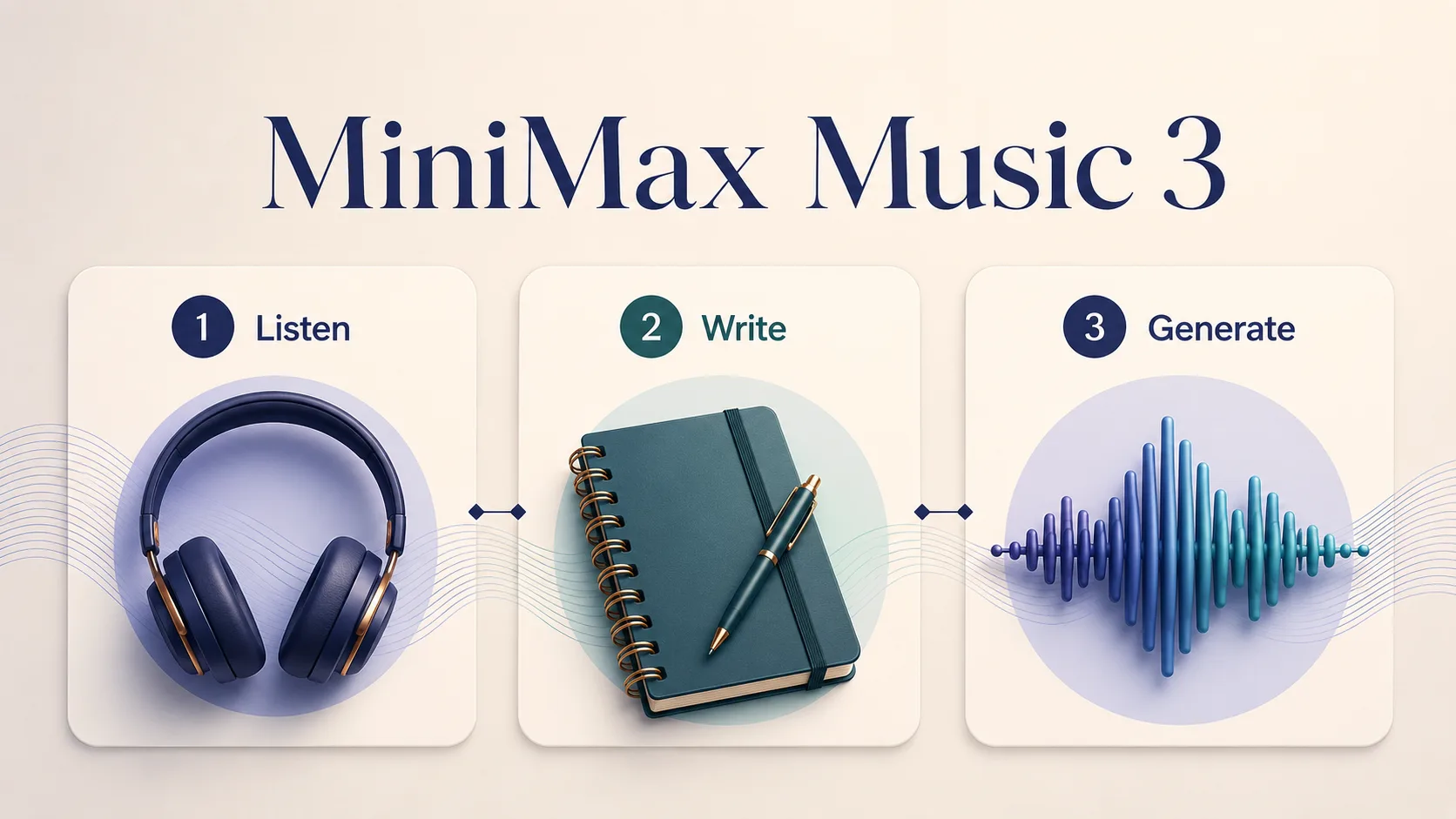
Listen → write → generate · generated for MiniMax Music 3 blog
After the checklist, paste Prompt A, B, or C in the workspace.
What usually breaks (and the fix)
| Failure | Why it happens | Fix |
| --- | --- | --- |
| No chorus comes back | The brief never asked for a returning hook | Add [Chorus] twice, or say “chorus must repeat” |
| Singer sounds like a synth | No vocal color | Name gender, range, and one texture (“smoky alto”, “baritone in front”) |
| Drums eat the dialogue | You asked for a song, not a bed | Switch to instrumental and cap the drums |
| Tags ignored | Tags sat inside a paragraph | Put [Verse] and [Chorus] on their own lines |
| You expected five minutes | That is the vendor ceiling | Official demos here are ~3 minutes; do not treat hosted length as the official max (MiniMax blog; ComfyUI tutorial) |
| “Unlimited free” | Search-result habit | Signup covers one 20-credit run |
Checklist before you spend the 20 credits
- [ ] I played one official demo on the homepage past the first chorus.
- [ ] I know which mode I am using (prompt / lyrics / instrumental).
- [ ] The brief names genre, tempo, and who sings — or it says instrumental only.
- [ ] Lyric tags, if any, sit on their own lines.
- [ ] I am not treating this website as MiniMax official.
- [ ] I am not expecting a five-minute official render from this hosted run.
Three copy-paste briefs
Run these unchanged the first time. Change only names you truly own.
Prompt A — prompt mode, after Feel Alive
Late-night R&B, 86 BPM, F minor.
Smoky female alto in front, slow heavy chorus, warm Rhodes, muted trumpet, soft vinyl hush.
No rap verse, no crowd, no EDM drop. Chorus must return once. Soft ending, not a hard cutoff.
Prompt B — lyrics mode, indie folk that has to land
Dry indie folk, 98 BPM, G major. Close male tenor, nylon guitar, light kick, room reverb. Verse quiet, chorus a little taller.

[Verse]
I left the porch light on for a week
In case the road remembered how to speak
[Chorus]
Come back when the kettle still knows your name
I will not ask the map to explain
[Verse]
The hallway kept your jacket on the chair
Like leaving was a rumor in the air
[Chorus]
Come back when the kettle still knows your name
The song is shorter than the wait became
[Outro]
Porch light off. Kettle cold. Still your name.
Prompt C — instrumental mode, under speech
Instrumental only. Night-drive short-film bed, 100 BPM, analog bass, dry drums that stay under a voiceover, no singer, no whistle hook, no riser that eats dialogue. Two-minute cue with a soft ending.
[Instrumental]
[Outro]What We Know vs. What We Don’t
| We know (sourced) | We don’t know / won’t claim | | --- | --- | | Music 3 open-weight launch 2026-08-13 (MiniMax blog; official X post) | That every hosted run on this website is a five-minute official Music 3 render | | Local floor ~24 GB full precision, ~8 GB with layer streaming (model card) | That you need that GPU to try a song in this browser | | Structured Caption + lyric tags are the official steering language (MiniMax blog; GitHub) | That tags are a hard DAW guarantee of tempo or exact instruments | | Official homepage demos sit around 2:47–2:52 | Unlimited free songs on this site | | This product: 20 credits per run, 20 credits on signup | Cross-channel dollar-per-song shopping tables | | Community License, UI credit, $20M clause (LICENSE) | A blanket “royalty-free / commercially cleared” stamp on every output |
When to stay local instead
Stay in the browser if you want a first listen and one covered song. Open the local path only if you need downloadable weights, a ComfyUI graph, or layer streaming on your own card. ComfyUI 0.33.0+ ships a native template (ComfyUI blog; tutorial). That is a different article. This one ends in the workspace.
FAQ
Is MiniMax Music 3 free online?
On this site, signup covers the first 20-credit song. That is not unlimited free, and it is not a recurring monthly allowance. Extra takes use a one-time credit pack.
Do I need a GPU to use MiniMax Music 3?
Not here. Local full precision is documented around 24 GB; about 8 GB is possible with layer streaming, at a speed cost (model card). This website runs in the browser: homepage to listen, workspace to generate.
Is this website MiniMax official?
No. minimaxmusic3.org is an independent listening desk and workspace. Official research is on the MiniMax blog and Hugging Face. We host official public demo audio so you can hear a reference before you spend credits.
Can MiniMax Music 3 make a five-minute song?
That is the vendor claim and the documented ComfyUI upper bound (~300 seconds) (model card; ComfyUI tutorial). Official demo records on this homepage are about three minutes. Do not assume every browser run here is a five-minute render.
Prompt, lyrics, or instrumental — which should I pick?
Mood only → prompt. Words you already wrote → lyrics with section tags. Voiceover, podcast, or trailer → instrumental. If you are choosing between MiniMax Music 3 and a closed consumer song app, read the comparison.
Can I paste my own lyrics?
Yes. Use lyrics mode and put section tags on their own lines. Music 3 is documented to treat those tags as structure (ComfyUI tutorial).
How do credits work here?
One music run is 20 credits. Signup grants 20 credits. Failed runs refund. This article does not compare other companies’ price lists.
What if I only have a one-line vibe?
Play a homepage demo that matches the mood, then run Prompt A. Add BPM, who sings, and one instrument. Short and concrete beats a novel. MiniMax’s official caption-rewriter exists because a one-word vibe is not the native control language (GitHub).
Can I use a generated song commercially?
Paid credit packs on this site include commercial use under our legal pages. The signup trial song is for personal testing. MiniMax’s Community License is a separate contract if you self-host the weights (LICENSE). Nothing here is a blanket rights clearance.
Why listen to the official demo first?
Because “free” here is one run. Ten seconds of Feel Alive will tell you more about vocal seat and chorus weight than another paragraph of adjectives.
Should I install ComfyUI for the first song?
Only if the job is local weights. For a first listen and a covered browser take, stay on this site.
About Quinn Sato
Quinn Sato is a music workflow writer who turns lyrics, captions, and instrumental briefs into repeatable browser workflows on MiniMax Music 3.